Start with the result you need: a prioritized fault list and a tested hypothesis
Experienced technicians know the scan tool rarely “fixes” a diesel; it narrows the field. Use the scan tool to produce a short, actionable diagnosis: which circuit, sensor or subsystem is failing, and whether the fault is electrical, mechanical, or maintenance-related (for example a clogged DPF). This article shows how to move from code to confirmation using a logical scan, targeted live-data checks and basic actuator tests.
Prepare: tool, vehicle info and safety checks
Before you plug in, gather the essentials: a scan tool that supports diesel protocols and 12–24V systems, the vehicle’s VIN/ECU selections, and service information for relevant PIDs. Confirm battery voltage and ensure the engine bay is safe to access (hot surfaces, moving belts). If you’re diagnosing heavy trucks, make sure you have the correct adapter (6-pin, 9-pin, or 16-pin) and vehicle in park with parking brake set.
Quick scan: read and record trouble codes
1) Connect to the DLC and let the tool identify ECUs. 2) Read stored, pending and permanent DTCs. Note exact codes and freeze-frame data—these are your starting points. 3) Don’t clear codes yet. Clearing can erase valuable freeze-frame or MIL history you may need to confirm intermittent faults.
Example: Urea/DEF injector codes, P2000-series DPF issues, or sensor circuit faults (open/short) will appear in the ECU specific to emissions or engine control. Record which module reported each code.
Use live data (PIDs) to confirm symptoms
Open the live-data stream for the most relevant PIDs based on the codes: air mass/MAF, MAP/boost pressure, fuel rail pressure, turbo actuator position, EGTs, DPF differential pressure, NOx, and intake temp. Watch values both at idle and while loading the engine (road test or assisted throttle) to reveal differences that static codes don’t show.
- Compare live numbers to typical ranges in the service manual.
- Look for mismatches: fuel rail pressure low while injector command is high suggests fuel delivery; low boost with commanded wastegate closed suggests a boost leak or turbo actuator issue.
- Use freeze-frame to match recorded load/RPM to current readings.
Run targeted functional tests and actuator commands
After confirming suspicious PIDs, run bidirectional tests where available: DPF regen command, EGR position moves, turbo actuator sweeps, or individual injector balance tests. These confirm whether the ECU, its wiring and the actuator are responding correctly.
Important: follow service procedures—some commands (like forced regen) require specific conditions and can be unsafe if the vehicle is indoors or near combustible materials.
Start with codes, confirm with live data, then use actuator tests to isolate whether the issue is sensor, wiring, or hardware.
Common fault patterns and how to diagnose them with a scan tool
1. Hard start, rough idle or misfire
Typical codes: misfire-related P02xx or injector circuit faults. Check: fuel rail pressure PID, injector balance test, crank/cam correlation PIDs, and intake air temp. A healthy rail pressure and successful injector balance indicates mechanical timing or compression issues; low rail pressure points to lift pump or filter restriction.
2. Loss of power or low boost
Typical codes: boost sensor or turbo actuator P-coded events. Use live boost vs commanded boost PID comparison and run the turbo actuator sweep. If commanded boost is present but actual boost lags, inspect for vacuum leaks (pneumatic actuators) or boost hoses; if actuator doesn't move, test wiring and apply actuator command to see if it responds.
3. DPF and regen-related faults
Typical codes: DPF blockage, differential pressure sensor errors, or failed regen requests. Read soot load and differential pressure PIDs, then attempt a regen command only if conditions allow. If regen fails, check fuel injector trim and EGTs—low combustion temperatures often prevent regen, pointing to fuel delivery or EGR problems.
4. Emissions sensor errors (NOx, DEF, DOC)
These codes often come from the aftertreatment module. Verify sensor voltages and live readouts: NOx should change with load. DEF dosing faults often accompany injector or heater circuit DTCs; check tank temperature and dosing valve commands. Use the scan tool’s sensor test to watch dose events in real time.
5. Intermittent or pending faults
Pending codes and freeze-frame are gold. Replicate the recorded conditions (drive cycle, ambient temp, load) while connected and watch for the fault to set. If intermittent starts under specific conditions, tape the scan tool in the cab or use a data logger to capture the moment.
When wiring or connectors look suspect
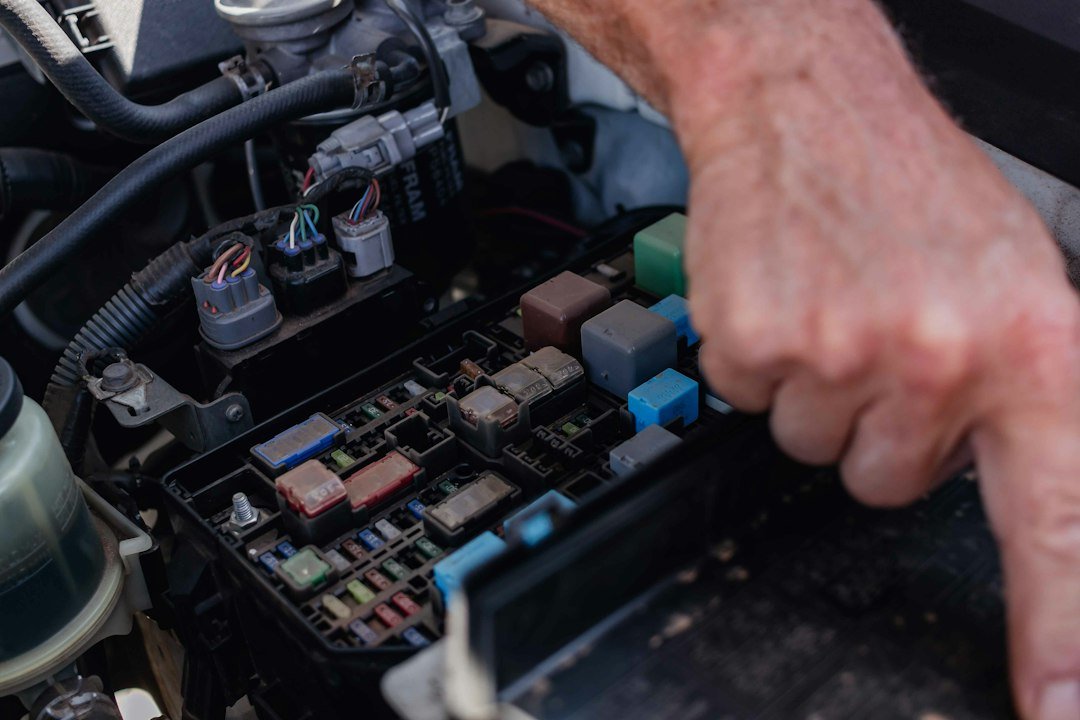
Scan tools will show implausible sensor values (stuck at max/min, or wildly fluctuating) that indicate open/short or bad grounds. Cross-check by commanding actuators and watching for response; if the ECU reports communication errors, suspect bus wiring. For persistent unexplained values, refer to connector pinouts and perform a backprobe voltage test while watching live PID changes.
Recording findings and deciding the next step
Summarize: 1) code list with the reporting module, 2) live-PID anomalies and the test that confirmed them, and 3) recommended repair or further mechanical checks. Prioritize safety and drivability faults first (fuel system, turbo, brakes), then emissions and convenience codes.
Product recommendation for a first heavy-duty scan tool
If you need a reliable heavy-duty scanner that supports the tests described above, consider a broadly compatible unit designed for 12V and 24V commercial vehicles and bi-directional controls.
When to call a specialist
Handheld scan tools and the tests here resolve most sensor, wiring and many actuator problems. Call a diesel technician when you encounter confirmed mechanical failures (low compression, stuck turbo bearings), complex ECU reprogramming needs, or safety-critical repairs that require shop tooling.
- Record all stored, pending and permanent codes and freeze-frame data.
- Capture live PIDs at idle and under load for relevant sensors.
- Run bidirectional actuator tests only when safe and with correct conditions.
- Backprobe suspect circuits and compare voltages to service specifications.
- Attempt controlled regen only in a well-ventilated area per procedure.
- Document test results and prioritize drivability/safety faults first.
A good diesel diagnosis follows code → confirm with live data → validate with actuator tests. The scan tool narrows failures to sensor, wiring or mechanical cause; use the tool’s bi-directional functions and proper safety procedures to confirm before replacing parts.
Can a scan tool tell me if the turbo is bad?
A scan tool can show symptoms—low actual vs commanded boost, stuck actuator position, or turbo speed if supported—but it can’t measure bearings; use scan data to justify a mechanical inspection.
Should I clear codes before repairing?
No. Record codes and freeze-frame first. Clearing before confirming can erase useful diagnostic information and intermittent fault history.
What live PIDs are most useful on diesel engines?
Key PIDs include fuel rail pressure, boost (MAP), MAF, EGTs, DPF differential pressure, injected quantity or injector balance, and NOx where equipped.
Is forced DPF regen safe to run on a lift in the shop?
Only if you follow the manufacturer’s safety steps: adequate ventilation, clearances from flammable materials, and correct engine operating conditions. Otherwise perform regen outdoors or in a designated bay.
Which scan tool feature matters most for diesel troubleshooting?
Bi-directional control and extensive live-PID coverage; these let you command actuators, run regens, and watch sensor responses in real time.